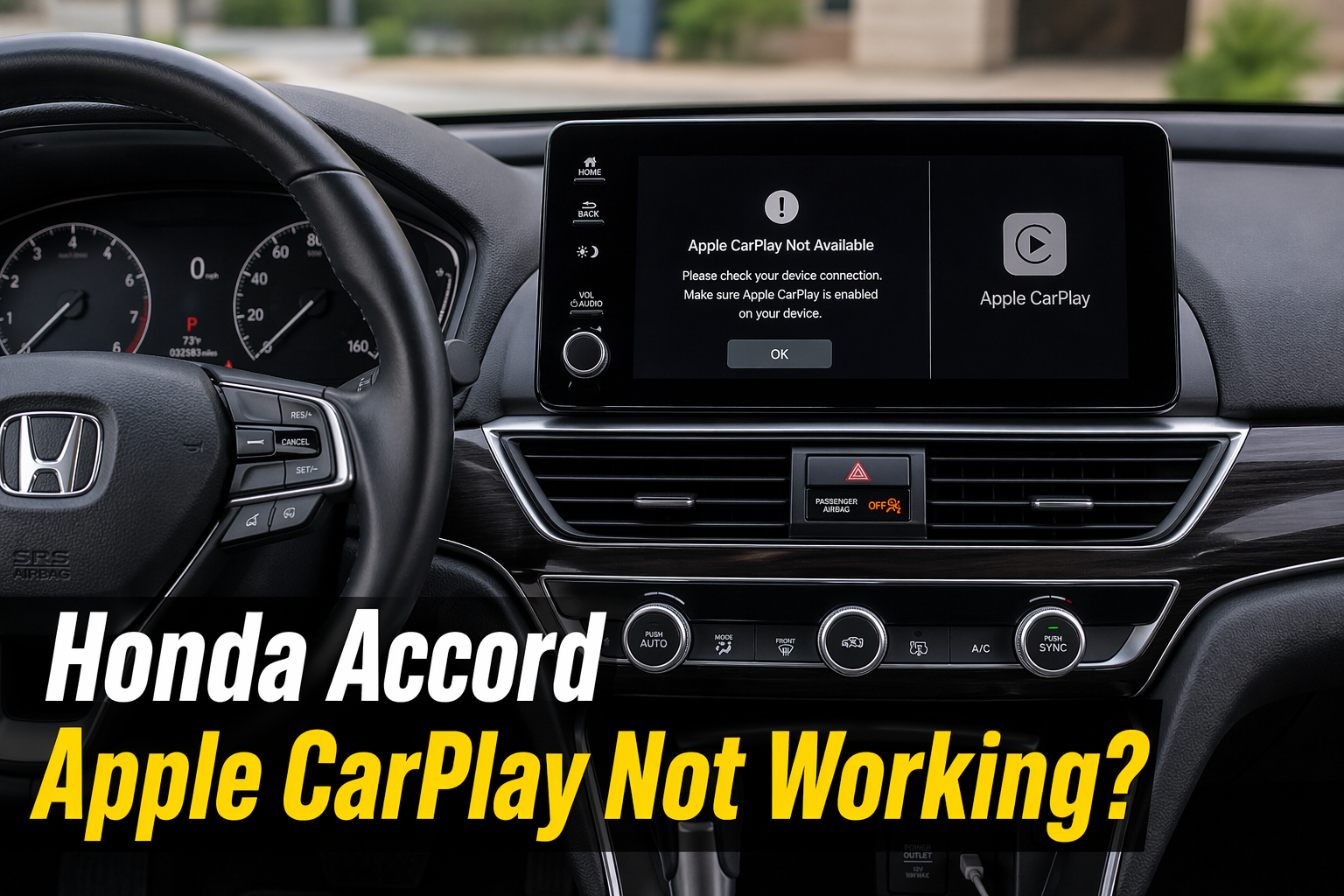
Honda Accord Apple CarPlay Not Working? Causes & Fixes Guide!
If your Honda Accord Apple CarPlay not working, it is usually due to a faulty cable, disabled settings, outdated software, or compatibility issues between your iPhone and the car’s infotainment system. It is frustrating when CarPlay stops working right when you need maps or calls. But in most cases, the fix is simpler than people think.
This guide helps you quickly understand what is going wrong and how to fix it without wasting time or money.
Why Your Honda Accord Apple CarPlay Is Not Working
A common issue is that Apple CarPlay stops responding due to small system or connection faults. It can happen in both wired and wireless setups. Drivers often notice the problem suddenly, but it usually builds up over time due to cable wear, software bugs, or incorrect settings.
Most Common Symptoms Drivers Notice
- CarPlay does not launch when the phone is connected
- It connects but disconnects while driving
- Screen freezes during maps or music use
- CarPlay option appears greyed out
- Phone charges, but is not detected for CarPlay
Real Example: What Usually Happens
A common real-world case is when CarPlay works for a few minutes and then disconnects after a small movement or bump. In most situations, this points to a loose or worn-out cable rather than a system failure. Many drivers replace the car system when the issue is actually very simple.
Quick Diagnosis (Save Time)
- Phone charges, but CarPlay does not work → cable issue
- Random disconnections → loose cable or dirty port
- Not detected at all → USB port or settings problem
Quick Fixes You Should Try First
Before moving into advanced steps, try basic fixes. These often solve the issue immediately, especially in Honda Accord models from 2016 to 2026.
- Restart your iPhone
- Turn off the car, wait 30 seconds, then restart
- Try another USB port
- Turn CarPlay OFF and ON in settings
Also Read: How Do You Reset The Radio On A Honda Accord?
Check CarPlay and Siri Settings
Many users skip this step and waste time troubleshooting.
Go to:
- Settings → General → CarPlay and check if your car is listed
- Settings → Siri & Search and ensure Siri is ON
CarPlay depends on Siri, and if it is disabled, connection problems can occur.
You can also check the official Apple CarPlay setup and requirements for accurate settings and supported features.
Compatibility Check (Often Ignored Issue)
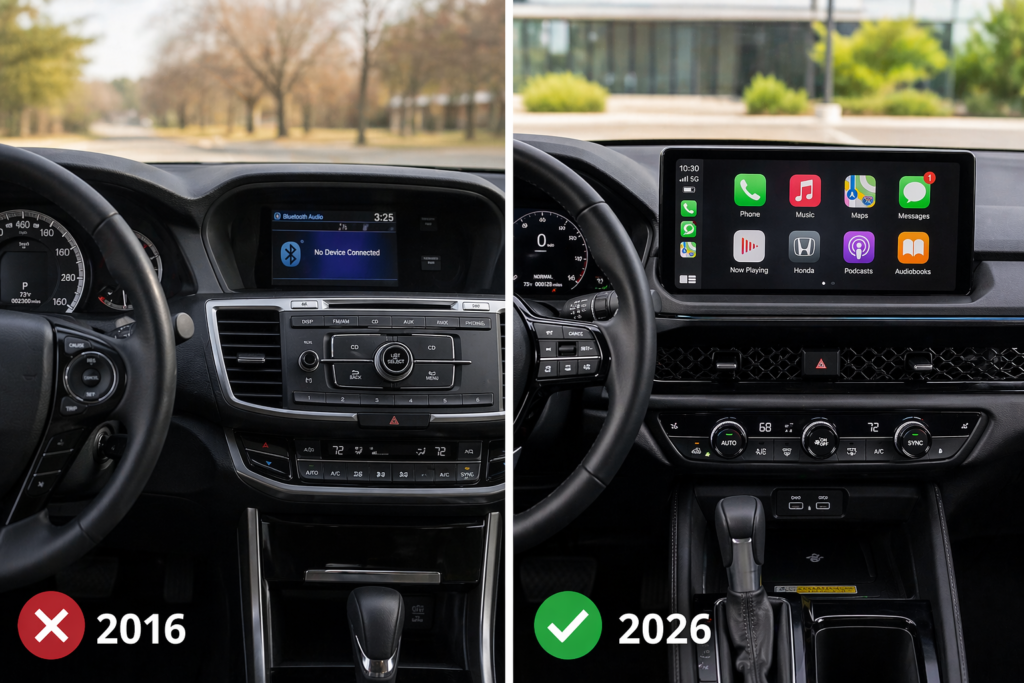
Not all Honda Accord trims support Apple CarPlay, especially in older models. Even within supported years, some base trims do not include it.
Honda Accord Models with CarPlay Support
| Model Year | Support Type | Notes |
| 2016 to 2017 | Limited | Higher trims only |
| 2018 to 2020 | Wired | Most trims supported |
| 2021 to 2022 | Wired/Wireless | Improved stability |
| 2023 to 2026 | Wireless (select trims) | Depends on trim |
Even in newer models, wireless CarPlay is not available in every version.
iPhone Compatibility
CarPlay works with iPhone 5 and newer, but performance is much better on newer devices.
| Requirement | Details |
| Minimum Device | iPhone 5 |
| Recommended | iPhone 8 or newer |
| iOS Version | Latest version recommended |
Outdated iOS can cause unstable connections, especially during navigation or music use.
USB Cable Issues (Most Common Cause)
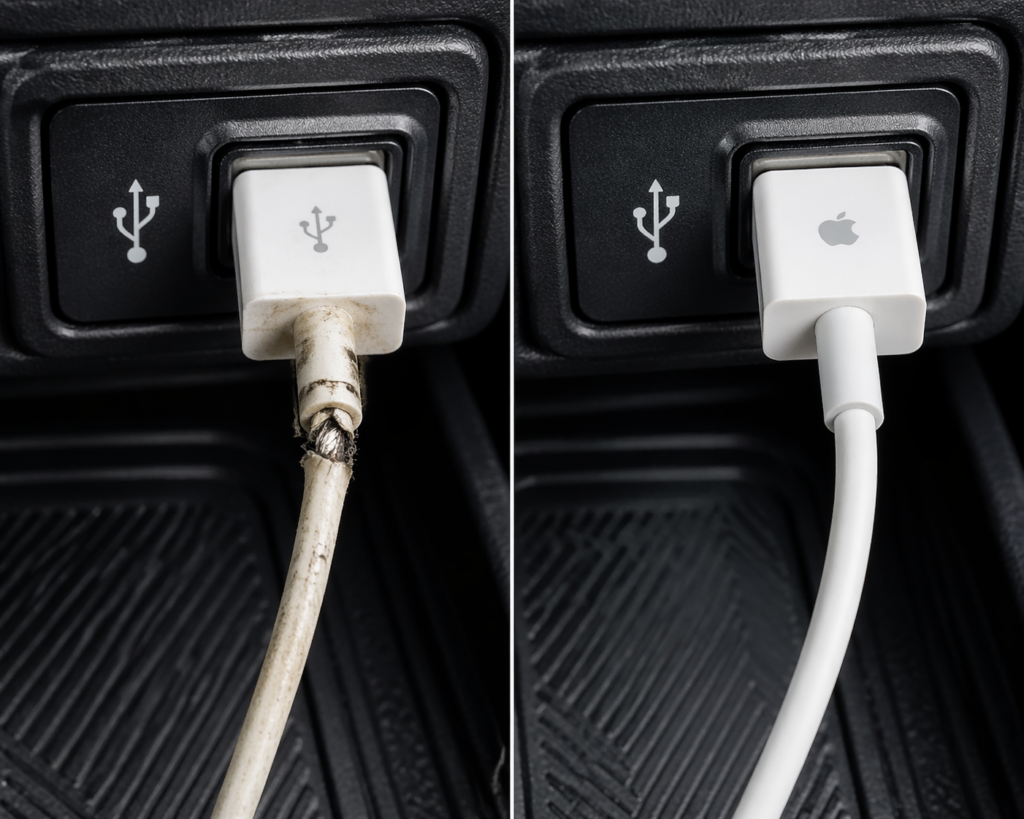
In many real cases, the phone charges normally, but CarPlay fails because the cable cannot transfer data properly. This is one of the most ignored reasons behind the issue.
Signs of Cable Problem
- Phone charges, but CarPlay does not start
- Connection drops when the cable moves
- Works in another car but not in this one
Solution:
Use an Apple-certified (MFi) cable for stable performance. Cheap or damaged cables often cause hidden connection failures.
Honda Infotainment System Issues
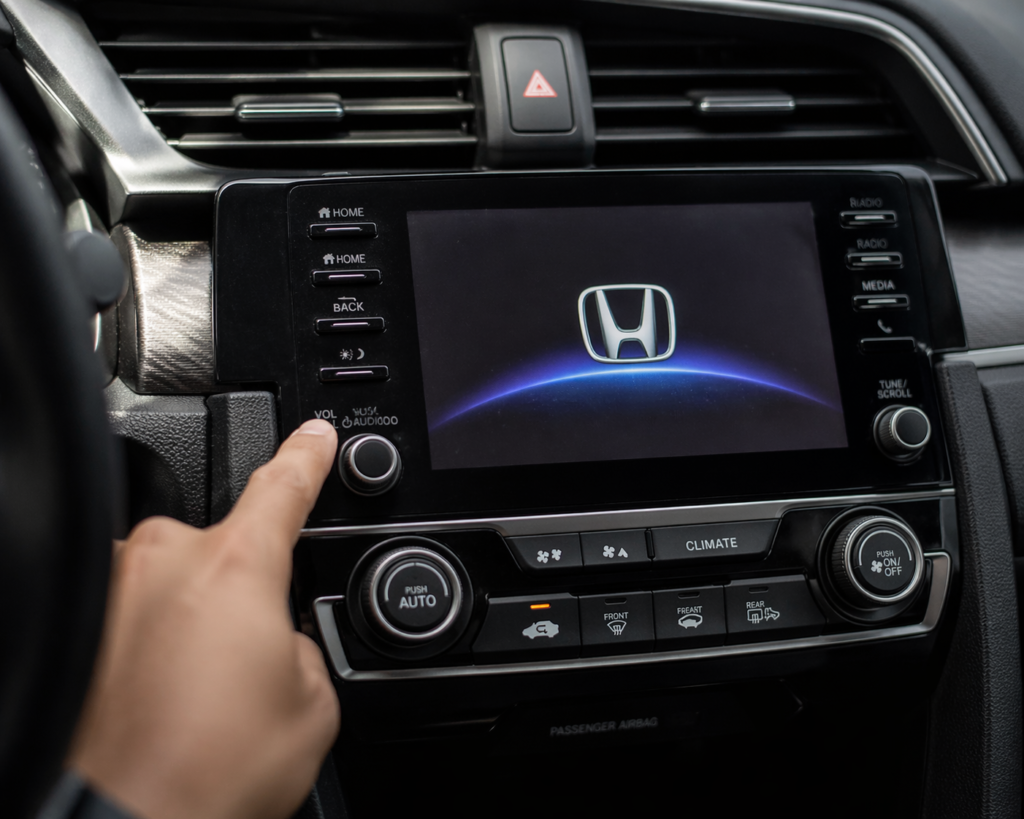
Honda infotainment systems, especially in 2018 to 2020 models, can develop minor software glitches. In some cases, the screen may lag or fail to detect devices properly if updates are missing.
Read Guide: Honda Accord Common Maintenance Issues
How to Reset System
- Hold the power button for 5 to 10 seconds
- Select the reboot option if shown
- Wait for the system restart
Software Update Guide
| Model Range | Update Method |
| 2016 to 2019 | Dealer required |
| 2020 to 2022 | USB or dealer |
| 2023 to 2026 | OTA updates |
iPhone Software Issues
Sometimes the issue is not the car but the phone itself.
Fix Network Settings
Resetting network settings can fix hidden connection issues:
Settings → General → Transfer or Reset → Reset Network Settings
Update iOS
Keeping iOS updated improves stability and fixes known CarPlay bugs.
Reconnect CarPlay
Remove the car from CarPlay settings and set it up again.
Mistakes Most Drivers Make
- Using the rear USB port (only charges, no data)
- Using old or damaged cables
- Ignoring system updates
- Not restarting devices before troubleshooting
Advanced Fixes (When Nothing Works)
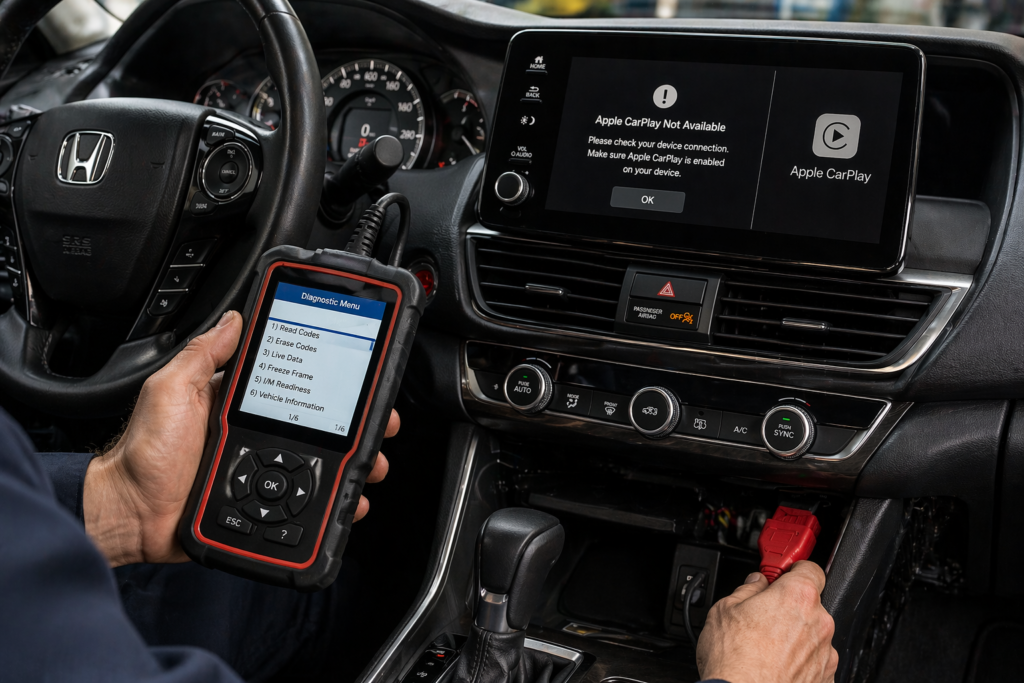
If the issue still exists:
- Perform a factory reset of the infotainment system
- Check the USB port for damage or a loose connection
- Inspect the wiring if CarPlay only charges but does not connect
In some cases, hardware inspection may be required.
Cost to Fix CarPlay Issues
| Issue | Estimated Cost |
| USB port repair | $100 to $300 |
| Software update | $50 to $150 |
| Dealer diagnostics | $100 to $200 |
Most issues are inexpensive and do not require major repairs.
How to Prevent Future Issues
- Use high-quality cables only
- Keep software updated on both the car and the phone
- Avoid frequent hard plugging/unplugging
- Clean the USB port occasionally
People Also Ask
Why is my Honda Apple CarPlay not connecting?
It is usually caused by cable issues, disabled settings, or outdated software on your phone or car system.
Can a bad USB cable stop CarPlay?
Yes, damaged or low-quality cables often charge the phone but fail to transfer the data needed for CarPlay.
Does restarting the car fix CarPlay issues?
Yes, restarting can fix temporary system glitches and restore the connection quickly.
Does the Honda Accord support wireless CarPlay?
Yes, but only in 2021 and newer models with select trims.
Which USB port is for CarPlay?
Usually, the front USB port with a smartphone icon supports CarPlay, not rear charging ports.
Final Thoughts
When dealing with Honda Accord Apple CarPlay not working issues, most problems are simple and fixable within minutes. In real-world cases, around 80% of issues come from cables, settings, or outdated software rather than serious hardware failure. A step-by-step approach is always better than guessing. If you follow the fixes in order, you can usually restore CarPlay without spending money or visiting a mechanic.
FAQs:
Why is my Honda Accord Apple CarPlay not connecting?
Most cases are caused by a faulty cable, disabled CarPlay settings, or outdated iOS or infotainment software.
Can a bad USB cable stop Apple CarPlay from working?
Yes, low-quality or damaged cables often charge the phone but fail to transfer the data required for CarPlay.
Does restarting the car fix CarPlay issues?
Yes, restarting the car and infotainment system can fix temporary glitches and restore connection quickly.
How do I update Apple CarPlay in my Honda Accord?
Update your iPhone to the latest iOS and check your car system for available firmware updates.
Will CarPlay work if Siri is turned off?
No, CarPlay relies on Siri, and it may not function properly if Siri is disabled.
Conclusion:
If your Honda Accord Apple CarPlay is not working, do not jump to expensive fixes right away. Most issues are simple and fixable within minutes if you follow a structured approach. Start with the basics like cable and settings, then move toward software and system checks. Being methodical saves time and avoids unnecessary costs. In reality, very few cases involve serious hardware failure.