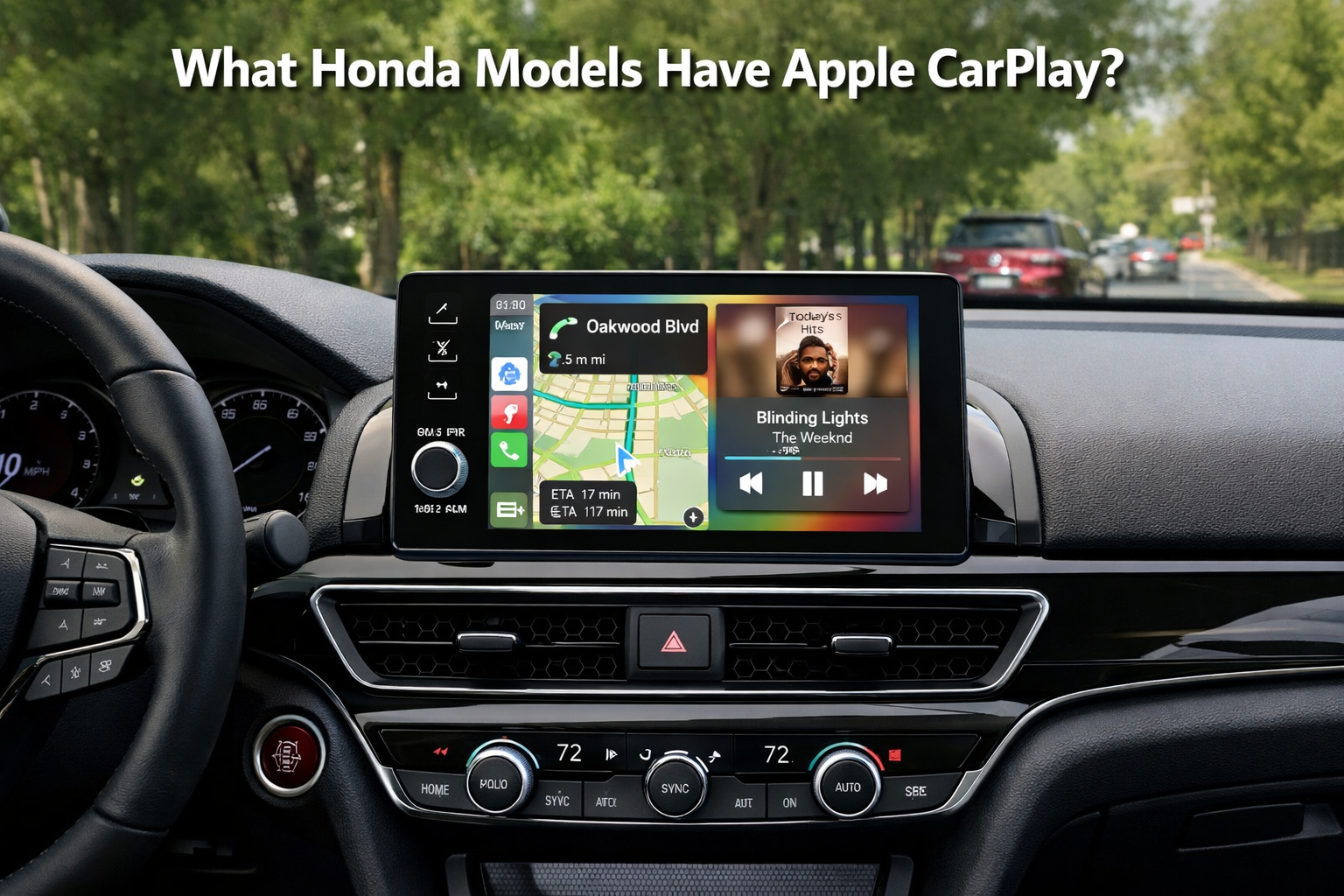
What Honda Models Have Apple CarPlay? (Read Guide)
Honda Models Have Apple CarPlay Most Honda models support Apple CarPlay, including the Accord, Civic, CR-V, Pilot, Odyssey, HR-V, and Ridgeline. Availability depends on model year and trim, but most 2018 and newer Hondas include Apple CarPlay as standard or optional.
This guide is based on long-term Honda ownership experience and a review of Honda service documentation related to infotainment systems.
What Is Apple CarPlay and Why Does It Matter?
Apple CarPlay is a system that mirrors your iPhone onto your car’s screen, letting you use maps, calls, messages, and music safely while driving. Instead of learning a car’s slow, built-in software, you use apps you already know through a clean, simple interface.
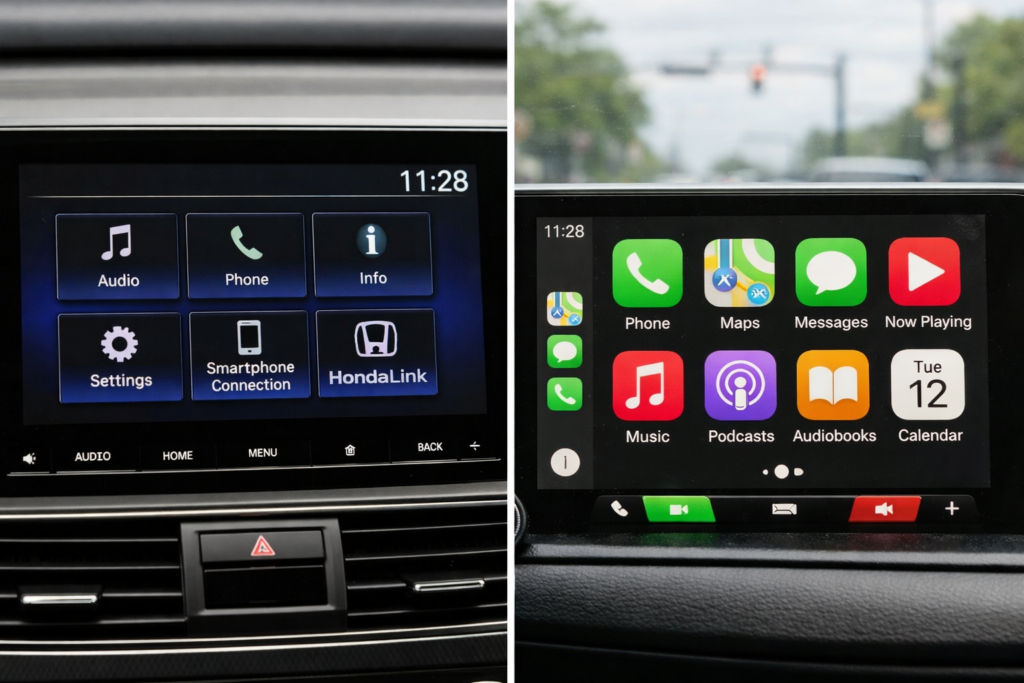
Why it matters in real-world driving:
- Safer focus: Voice control (Siri) handles calls, texts, and directions so your eyes stay on the road.
- Better navigation: Apple Maps and Google Maps update more frequently and reroute more intelligently than most factory systems.
- Always up to date: CarPlay updates with iOS, no dealer visit needed.
- Fewer glitches: From shop experience, cars using CarPlay get fewer infotainment complaints than those relying only on factory software.
Most buyers do not realise that CarPlay can make an older car feel modern overnight, and it often works more smoothly than the car’s native system.
Bottom line: CarPlay matters because it is safer, simpler, and future-proof, especially for daily drivers.
What Year Did Honda First Get Apple CarPlay?
Honda first introduced Apple CarPlay in 2016 on select models, such as the Accord and Civic. Early systems were wired-only, and performance was slower than that of modern systems. According to Honda’s official press releases, CarPlay gradually rolled out across more trims and models after 2016.
Mini Tip: Owners report that early CarPlay systems are functional, but newer models offer smoother iPhone integration and faster response times.
Which Honda Models Have Apple CarPlay by Year?
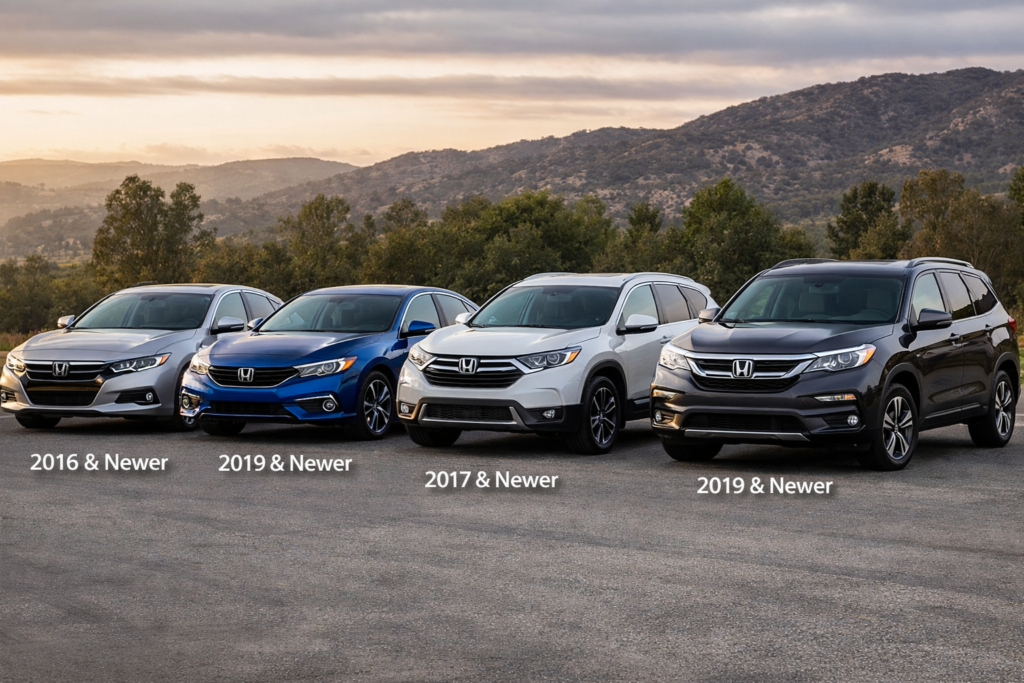
Apple CarPlay is available on many Honda cars, SUVs, and trucks. Availability varies by infotainment system and model year. Early models supported wired connections only, while newer vehicles offer wireless support.
Honda confirms Apple CarPlay availability by model year and trim in its official infotainment compatibility charts.
| Honda Model | Apple CarPlay Years |
| Accord | 2016 to Present |
| Civic | 2016 to Present |
| CR-V | 2017 to Present |
| Pilot | 2017 to Present |
| Odyssey | 2018 to Present |
| HR-V | 2019 to Present |
| Passport | 2019 to Present |
| Ridgeline | 2017 – Present |
Mini Tip: Trim level affects CarPlay availability just as much as model year. Always check Honda infotainment system specifications before purchasing.
Which Honda Models Have Wireless Apple CarPlay?
Wireless Apple CarPlay is only available on newer Honda models and higher trims. Most older Hondas still use wired CarPlay through a USB cable.
| Honda Model | Wireless CarPlay Years |
| Accord | 2023 to Present |
| Civic | 2023 to Present |
| CR-V | 2023 to Present |
| Pilot | 2023 to Present |
| Odyssey | 2024 to Present |
Owners report that wireless CarPlay is convenient for short trips, but wired connections remain more stable for long drives. Wireless may also drain your iPhone battery faster.
Many buyers shopping for Apple CarPlay also ask which Honda Accord trims include modern safety features like blind spot monitoring, and the answer depends on the year and trim.
Honda’s official specs confirm wireless availability.
Also Read: Which Honda Accord Has Blind Spot Detection?
Is Apple CarPlay Standard on All Honda Trims?
Apple CarPlay is not standard on all trims, especially older models. Availability depends on the trim and the infotainment system.
- Base trims: May lack CarPlay or only support wired connections
- Mid trims (EX, Sport): Usually include wired CarPlay
- Top trims (Touring, Elite): Include wireless CarPlay in recent models
Expert Tip: Check Honda’s official trim guide to confirm CarPlay compatibility by year for each model before purchase. Honda’s trim-level differences are documented in official model brochures and owner manuals.
Apple CarPlay availability often comes down to trim level, not just model year, especially in the Honda Accord lineup.
Also Read: What Are The Honda Accord Trim Levels?
How Do You Set Up Apple CarPlay in a Honda?
Steps to Set Up Apple CarPlay:
- Start your car and unlock your iPhone
- Connect via USB cable (wired) or Bluetooth (wireless, if available)
- Tap Enable Apple CarPlay on the Honda infotainment screen
- Follow the on-screen instructions
Setup is usually fast, taking less than one minute. Always make sure your iPhone is running the latest iOS version for the smoothest integration.
Which Honda Accord Years Have Apple CarPlay?
Apple CarPlay has been available in the Accord since 2016. Newer models provide better screens, faster response, and wireless support.
| Honda Accord Year | CarPlay Type |
| 2016 to 2022 | Wired |
| 2023 to Present | Wireless |
Mini Tip: Newer Accord trims provide better iPhone integration, especially in Touring and Elite trims.
Which Honda Civic Years Have Apple CarPlay?
Civic models started supporting Apple CarPlay in 2016. Wireless CarPlay was added later for newer trims.
| Honda Civic Year | CarPlay Type |
| 2016 to 2022 | Wired |
| 2023 to Present | Wireless |
Mini Tip: Base trims of earlier models still require wired connections.
Can You Add Apple CarPlay to an Older Honda?
Yes, CarPlay can be added to older Hondas, but factory software updates usually cannot enable it.
- Install an aftermarket head unit that supports CarPlay
- Original factory screens usually cannot be upgraded
- Professional installation is recommended
Expert Tip: Aftermarket units often offer wireless CarPlay for pre-2016 vehicles, improving iPhone integration without replacing the entire infotainment system.
How to Check If Your Honda Has Apple CarPlay?
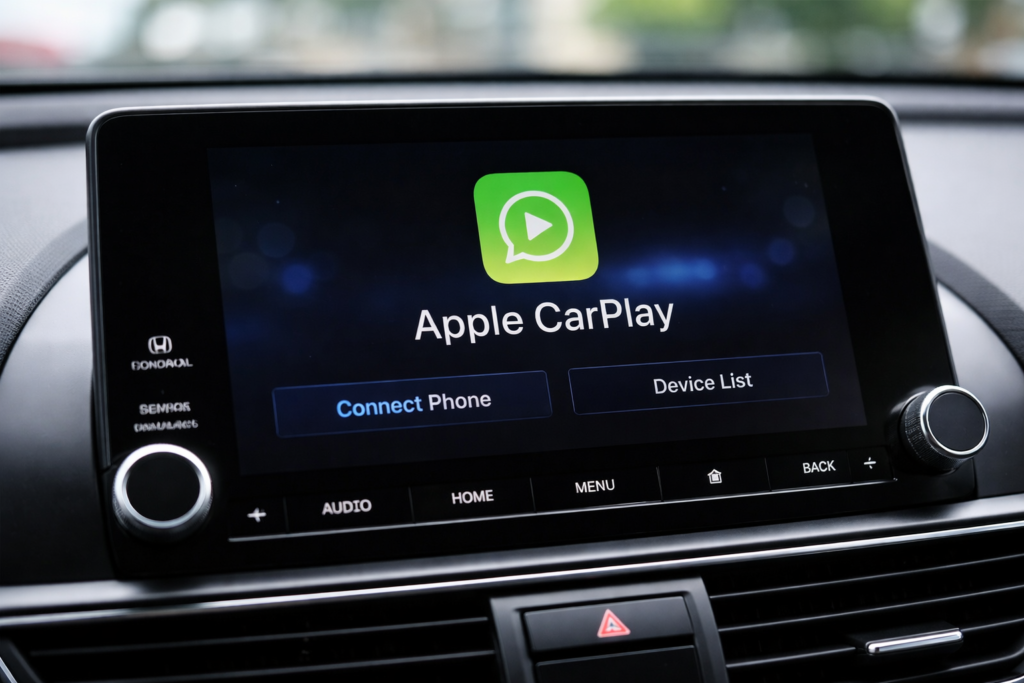
To see if your Honda supports Apple CarPlay, first check the infotainment screen for the CarPlay icon. Most models from 2016 onward have it. Next, confirm your model year and trim in the owner’s manual or on Honda’s official site, since base trims may lack CarPlay or only offer wired versions.
Finally, connect your iPhone via USB (or Bluetooth for wireless CarPlay on newer models). If CarPlay launches on the screen, your Honda is ready.
Pro tip: Most buyers do not realise that some older or base trims do not have CarPlay. This quick check ensures no surprises before driving.
What Are The Benefits Of Carplay In The Honda Accord?
Apple CarPlay in the Honda Accord makes daily driving safer, simpler, and more convenient.
As an experienced Accord owner and someone who has seen these cars in real workshop use, here are the real benefits that actually matter, not marketing talk.
Key Benefits of Apple CarPlay in the Honda Accord:
- Safer driving: You control maps, calls, and messages using voice commands, so your eyes stay on the road.
- Better navigation: Apple Maps and Google Maps are faster and more accurate than Honda’s built-in system.
- Seamless phone integration: Music, podcasts, WhatsApp, and calls work smoothly through the car’s screen.
- Less distraction: Large icons and simple menus are easier to use while driving.
- Future-proof system: CarPlay updates with your iPhone, so it improves over time without dealer visits.
Most buyers do not realise that CarPlay often feels smoother and more reliable than Honda’s native infotainment, especially in older Accord models.
From a mechanic’s perspective, Accords with CarPlay also see fewer infotainment complaints because drivers rely on Apple’s system instead of outdated factory software.
What Are The Common Apple CarPlay issues in Honda Vehicles?
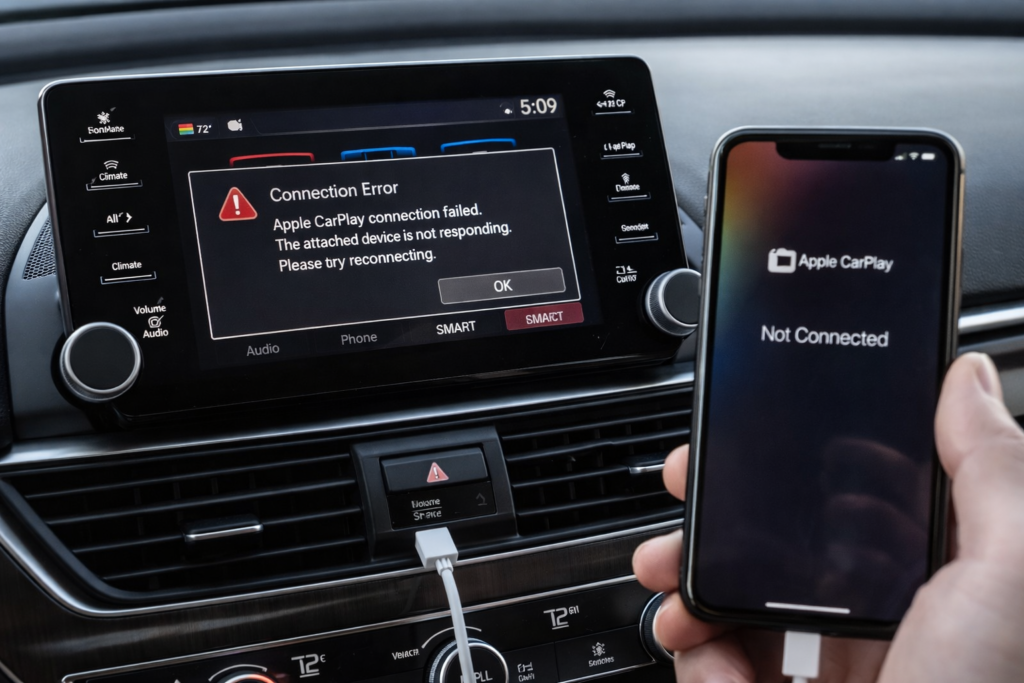
Long-term owners and mechanics note that Honda CarPlay can face slow connections, occasional screen freezes, unresponsive touch, or Audio lag. Wired CarPlay sometimes fails due to low-quality cables, while wireless setups may drop unexpectedly. Most issues are minor, predictable, and usually fixed with simple resets, updated iOS, or quality cables.
Electronic features like Apple CarPlay and smart keys often share similar infotainment-related problems in older Honda Accords.
Also Read: 2018 Honda Accord Key Programming Issues?
Why Is Apple CarPlay Not Working in My Honda?
Common Apple CarPlay Problems:
- Faulty or low-quality USB cable
- iPhone is not updated to the latest iOS
- CarPlay is disabled in iPhone settings
- Bluetooth or USB connection errors
Most issues are fixed by replacing the cable, updating iOS, or restarting the system.
FAQs:
What Honda models have Apple CarPlay?
Most models from 2016 onward, depending on trim and infotainment system.
Is Apple CarPlay standard on Honda vehicles?
No, availability varies by trim and year.
Which Honda models have wireless Apple CarPlay?
Most 2023+ Hondas and select 2024 models.
Can Apple CarPlay be added to older Hondas?
Yes, using aftermarket head units with wireless or wired support.
Can I use Apple CarPlay while charging my iPhone in a Honda?
Yes, you can use Apple CarPlay while your iPhone is charging.
Conclusion:
Honda offers one of the widest Apple CarPlay lineups, but year and trim selection matter more than buyers expect. Newer models provide faster, smoother iPhone integration, while older systems work fine with minor trade-offs. For the best experience, focus on 2018+ models or 2023+ models for wireless CarPlay.